
Dolores County VINELink Coverage
VINELink is the public face of a notification system fed by participating agencies. Colorado's program materials describe searching by state, facility, or name. A person can register once a record opens. That does not mean every jail sends data.
The Dolores Sheriff page links no VINE option and makes no participation claim. The Montezuma detention page offers no Dolores-specific feed either. Participation is unconfirmed, not ruled out. Facility lists change, so open the Colorado chooser fresh each time.
Dolores County appears to run no jail. An arrest here may mean booking at Montezuma County Detention Center in Cortez. Search for the actual custodian rather than assuming a county-name entry exists. If the facility is missing, call the detention office or the Dolores Sheriff. That confirms the route.
The Dolores County Sheriff page is the local starting point. The Montezuma Detention Division page explains the regional booking role. Both beat guessing at a VINE match. Identify the custodian first. Then pick the right facility name.
Check a Dolores Arrest on VINELink
Search one person at a time. Enter the fullest name and custody details you have, but skip anything the screen does not ask for. Name variations and transfers can throw off a match. When several results appear, compare the facility and status before clicking a similar name.
- Open VINELink and choose Colorado in the current state selector.
- Inspect the available county or facility choices. Look for the actual detention custodian, including Montezuma when a Dolores arrest was booked regionally.
- Enter the last name and the first-name detail requested by the live form, or use an identification number when available.
- Open each plausible match and compare the person's name, facility, custody status, and any listed event detail.
- Confirm a fresh, missing, or unclear result directly with the responsible detention office.
The Colorado VINELink route runs on JavaScript. A failed load or empty search does not prove the jail declined to participate. Older Colorado instructions list other causes. A name mismatch, a transfer, release past the retention period, a temporarily offline record, or a nonparticipating jail can all return nothing.
Dolores VINELink Result Fields
A custody record shows only what the facility sends. It is narrower than a booking report and separate from any court file. Field sets vary by agency and system state.
| Result item | Meaning and limit |
|---|---|
| Name or identifier | Helps distinguish records but may reflect the booked spelling. |
| Custody status | The status supplied by the participating agency, subject to update delay. |
| Facility | The reporting custodian, which may be outside Dolores County. |
| Event status | A release, transfer, or related custody event when supplied. |
| Notification option | A control to register for alerts on the selected record. |
VINELink does not say why a person was arrested. It will not show whether a filed charge changed or how the court resolved the case. A booking photo may be absent too. Ask the arresting agency for the incident report, the detention custodian for the booking file, and the court for the disposition.
Colorado VINELink Search Screen
The Colorado VINELink search screen is the official live tool. It shows current facility choices and starts a person-specific search.
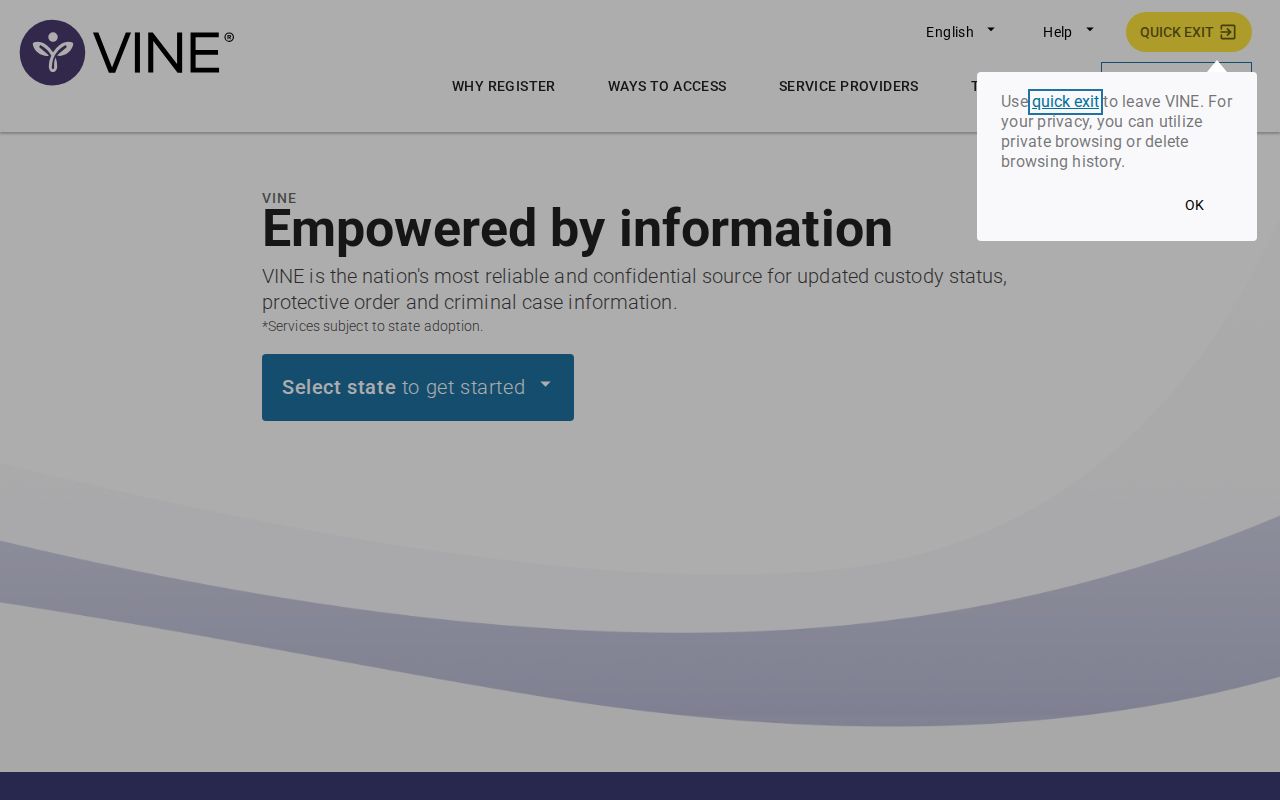
The Colorado VINELink screen displays the live search route. Facility participation still needs a fresh check before you conclude anything.
Register for Dolores Custody Alerts
Registration opens only after a matching record. Colorado's guide offers phone, email, text, and TTY alerts where the record supports them. Choices vary. Use contact details the registrant controls, and guard the four-digit PIN that manages parts of the notification process.
- Open the verified matching custody record and choose its notification or registration control.
- Select an offered contact method, such as phone, email, text, or TTY.
- Enter the requested contact information and create the four-digit PIN.
- Complete any confirmation prompt shown by the current interface.
- Save the PIN and record details, then keep direct detention contacts available as a backup.
An alert reports one event sent by the facility. It is no prediction, may lag behind live processing, and never replaces emergency planning or direct agency contact. For immediate danger, call emergency services.
Note: Register only after verifying the correct person and facility; a similar name can attach alerts to the wrong record.
VINELink Alert Registration Options
The VINELink registration interface shows alert choices and the PIN step.
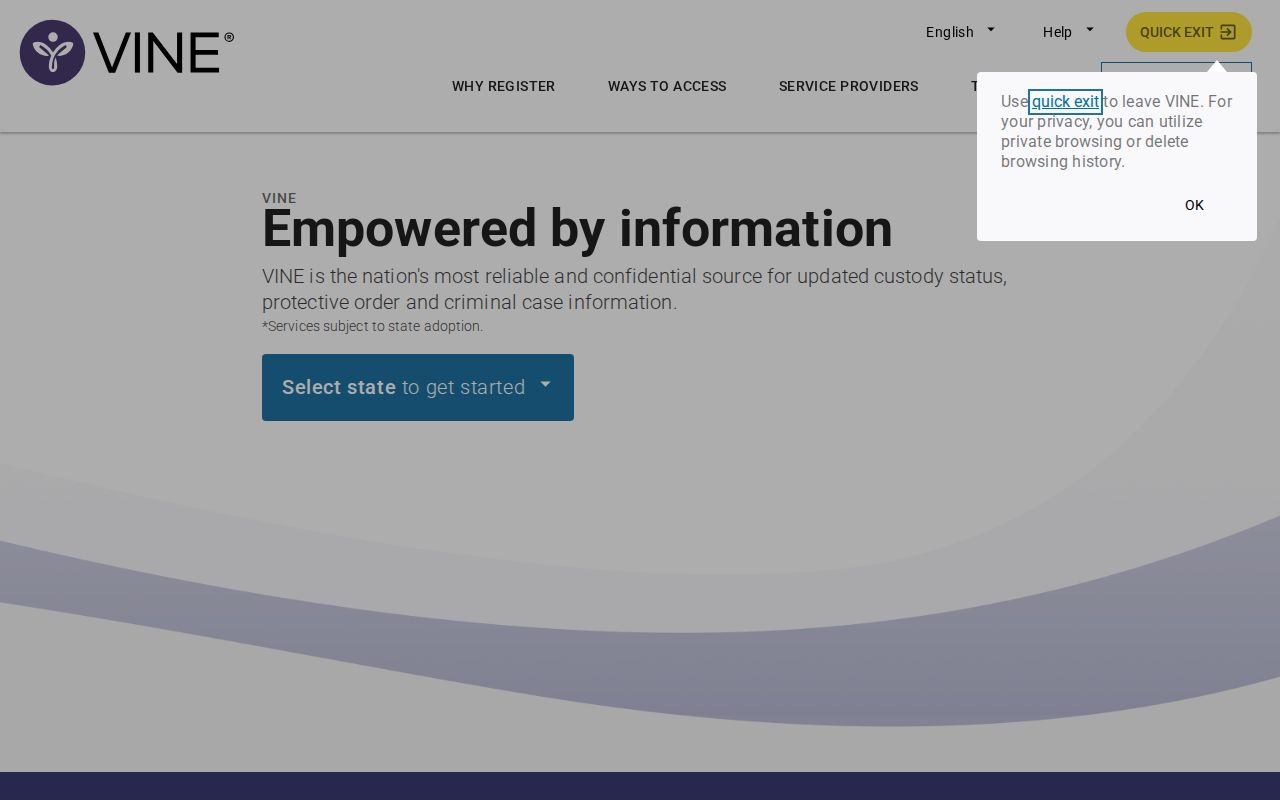
The registration screen displays only placeholder fields. It shows how alerts are configured, not that Dolores County participation is confirmed.
Dolores VINE Participation Is Unconfirmed
Colorado VINE is not automatically a Dolores County answer. Only jails that opt in send data. County pages document local deployment unevenly. Neither the Dolores Sheriff page nor the regional detention page carries an authoritative participation statement.
A blank screen can mean many things. The facility may not participate. The person may have transferred, been released, or been booked under a different name. A protected, juvenile, sealed, or suppressed record stays hidden from public view.
Treat none of these as a conclusion. Ask the live interface which facilities it offers, then call Montezuma County Detention Center at 970-564-4995 if it is the likely custodian. The Dolores County Sheriff's Office, at 970-677-2257, can identify the arresting agency or booking route.
Dolores VINELink Limits and Verification
VINELink has real limits. It is not a full court service, a federal locator, or a catch-all archive. Someone held by the U.S. Marshals, the federal Bureau of Prisons, or immigration authorities may never surface through the local VINE path. State prison time works differently too. Colorado Department of Corrections inmates sit in that agency's own offender search. Mixing them up with a fresh Dolores County booking is easy to do.
Custody stage matters as much as custody type. A person just arrested may still be in transport. A booked person shows up only after the facility pushes an update. Someone released can drop from the active view. The booking report stays with the records custodian. A sentence to state custody moves the person into CDOC's system. Every one of these transitions can leave a short gap. The status may look wrong or empty.
For a fresh arrest, the cleanest route is the Dolores Daily Arrest Report confirmation chain. It leans on the Sheriff and the regional detention office because no official same-day web feed exists. The Dolores County recent-arrests hub sorts out the booking, court, and records-request channels behind each record.
Restricted Dolores Custody Records
A missing result is not always a glitch. Law and policy can close off what looks like a public search. Juvenile files, sealed cases, suppressed material, and other protected records simply stay restricted. The Colorado Judicial Branch publishes public-records access guidance. Its sealing resources spell out why ordinary search tools hit walls. No one can lawfully climb them.
The Enhanced VINELink User Guide walks through the Colorado search and registration process. Interfaces evolve. Treat its steps as context. Trust the labels in the live service. An older guide can still explain a strange no-result case. What the current application and reporting facility display is what governs.
A VINE result is not permission to republish personal details. Confirm custody with it, manage notifications with it, and leave it there. A record that looks wrong belongs with the source agency or the court. The custodian handles corrections. The court alone controls its own orders.